> For the complete documentation index, see [llms.txt](https://docs.paveapi.com/llms.txt). Markdown versions of documentation pages are available by appending `.md` to page URLs; this page is available as [Markdown](https://docs.paveapi.com/how-pave-works/text-notifications.md).
# Text Notifications
Be Engaged The Second They Become Re-engaged.
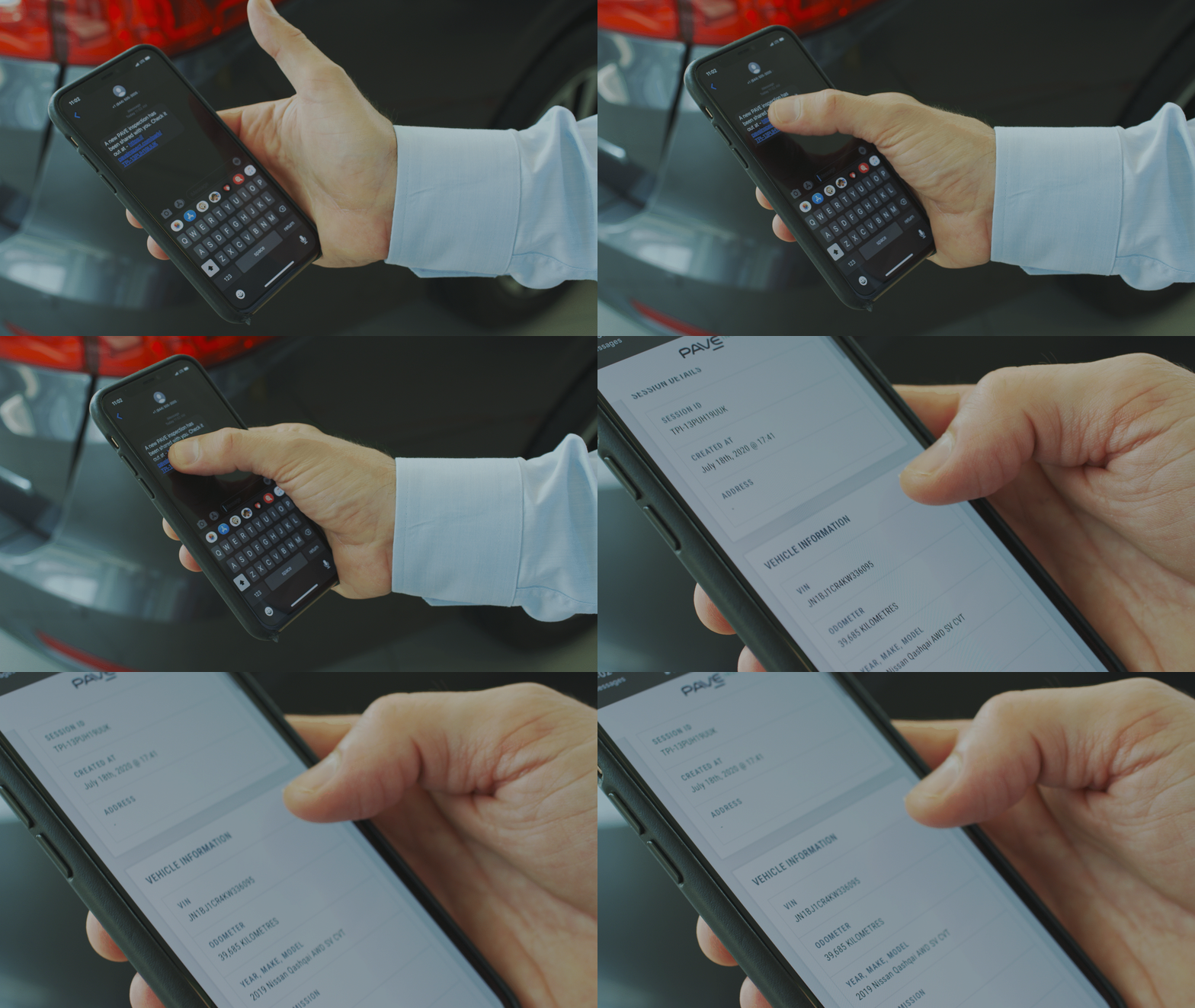
Set up to two people at your dealership to automatically receive the results via text message when the vehicle capture is completed.
This immediacy allows you to confidently appraise the trade-in right then and there, no peppering of additional questions. Thus affording your people the opportunity to communicate with the customer while top of mind. No delays!